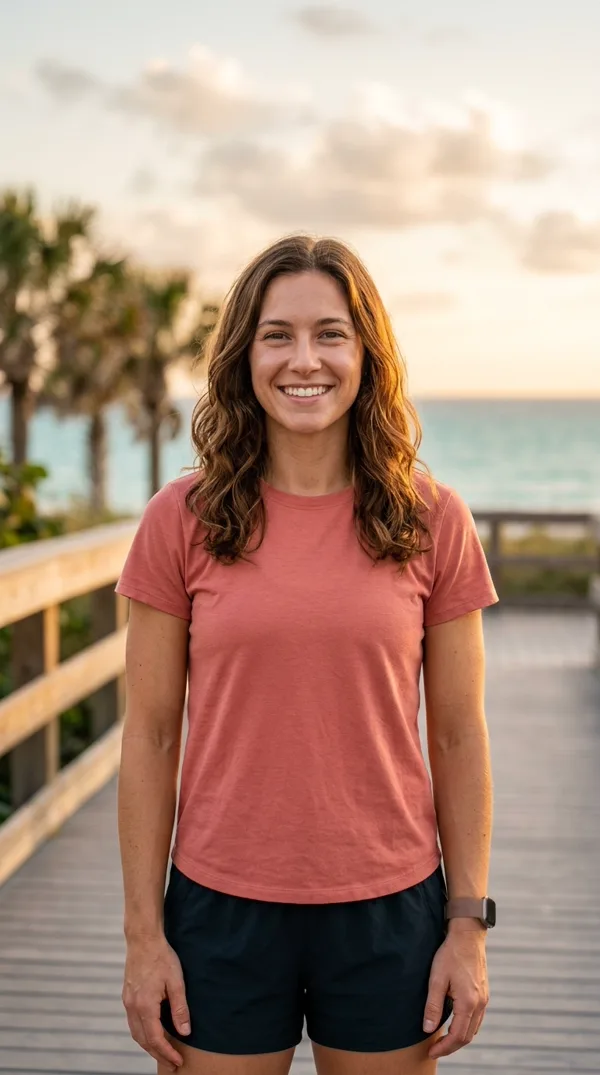
Made from 1 photo
Coastal Sunset Tee
Sunset Beach Boardwalk (Coral Tee)
Golden-hour coastal boardwalk portrait where the inner arm curve and curled fingers form a crisp heart silhouette.
Upload one waist-up photo and get the viral bicep heart trend clip: our bicep heart AI animates a shy smile, a confident arm flex, and a C-shaped hand curl into a clean heart—vertical 9:16, 720p HD, 7 seconds, complete with the trending audio and “have you ever heard of a bicep heart...” caption.
Ready in ~2–4 mins · Failed renders never deduct a video · Source photos private
Real output from this page: one waist-up photo in, one bicep heart trend video out.
Every clip in this gallery started as a single static bicep heart picture uploaded to our studio. You do not need bodybuilder arms or studio lighting—the AI preserves your real face, outfit, and room while locking onto the exact choreography of the bicep heart trend. Select any example to load its setup into the generator above.
Golden-hour coastal boardwalk portrait where the inner arm curve and curled fingers form a crisp heart silhouette.

Proof that camera angle beats muscle size in the bicep heart trend: the C-shaped hand shapes 80% of the heart outline.
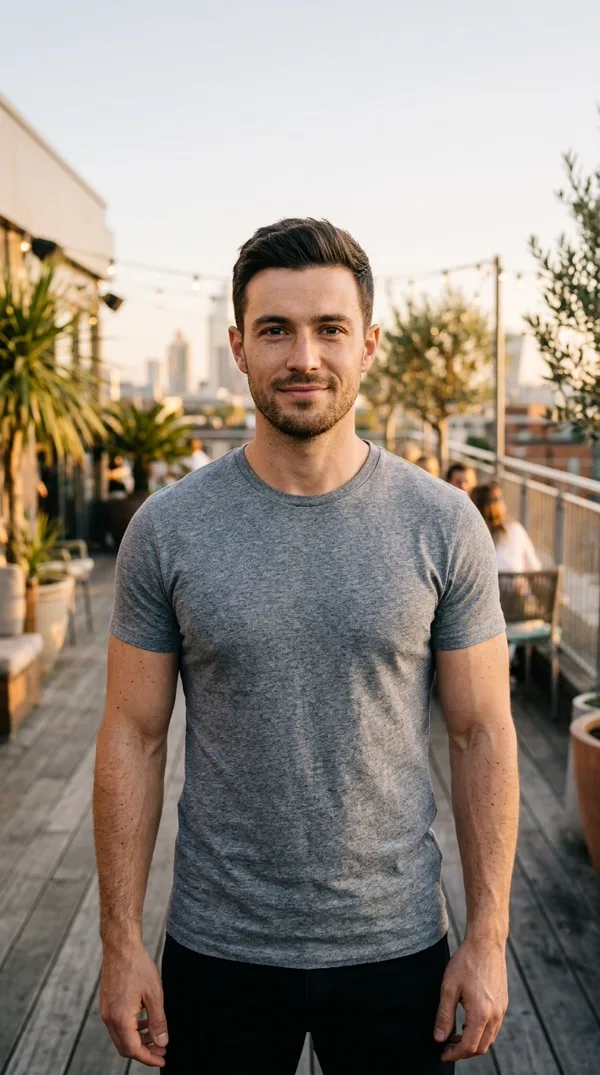
Natural sunset rooftop portrait turned into a warm "in case no one sent you a bicep heart today" reply clip.
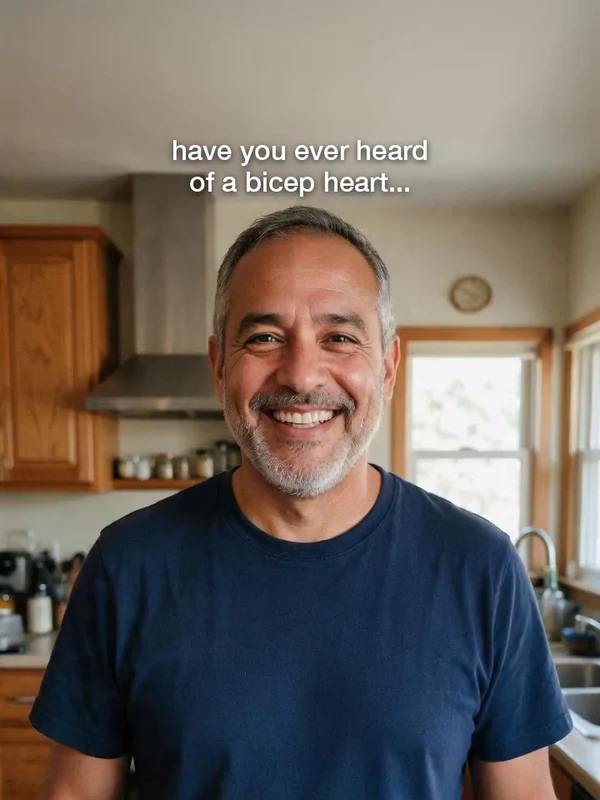
A surprise family group-chat bicep heart trend video or playful bicep heart pic generated from a single casual weekend snapshot.
Why does this optical illusion look so clean on screen? Whether you use our AI studio or learn how to do bicep heart manually in front of your phone, the entire bicep heart trend relies on four precise timing beats that line up with the audio drop.
0:05 – 0:07 · Closing the Bicep Heart Pose
Resting that curved hand on top of the flexed muscle closes the negative space into a clean heart shape while you hold a proud smile through the final beat of the bicep heart trend.
Up to 80% of the heart silhouette comes from your opposite hand’s C-curl resting on top of the upper arm. Even with slim or non-gym arms, closing the gap between your thumb and inner elbow locks a crisp heart shape on Beat 4.
End-to-end journey from uploading 1 waist-up photo to exporting your customized 9:16 bicep heart pose clip
Drag & drop a photo, browse files, or test a 1-click sample portrait.
Scan the desktop QR code or pick straight from your phone album.
Our AI locks your facial identity & room lighting, then animates the 4-beat shy smile, bicep lift, and C-hand heart curl into a 7-second 9:16 720p HD bicep heart trend video.
Edit or toggle “have you ever heard of a bicep heart...” on or clean off.
Keep the synced viral beat ON by default, or export a silent MP4.
Watermark-free vertical video ready for TikTok, Instagram Reels & Shorts
You do not need a tripod, multiple retakes, or video editing skills. Follow these three steps and our photo checklist to get a clean render on your first try.
Pick a clear vertical photo of one person (or pet) from the waist up with both arms inside the frame. Short sleeves, a fitted tee, or a tank top help the bicep heart video generator track your shoulder and elbow joints cleanly without guessing hidden limbs.
No text prompts or keyframe editing needed. Our motion-transfer model maps the viral choreography onto your photo while keeping your facial identity, hair, shirt, and room background intact. Rendering finishes in about 3 to 5 minutes.
Preview your 7-second 9:16 vertical clip in 720p HD. Keep the built-in caption and audio or flip the switch for a clean file, then post straight to TikTok, Instagram Reels, or YouTube Shorts to join the bicep heart trend.
Understanding the bicep heart meaning starts with its playful twist on gym culture. Sparked in late October 2026 by viral clips from creators like @kavithageorge and @mckennacrisp—and often paired with remixes of Adriano Celentano’s “Ja Tebia Liubliu”—the format blends a classic workout flex with an affectionate gesture.
Instead of an intimidating bodybuilding showcase, the bicep heart meme exploded across Reddit (r/workout, r/effectivefitness) and TikTok because anyone can pull it off. Even creators joking about having “tiny arms” or “zero gym muscles” discovered that finger placement shapes the top lobes of the heart. Today, sending a video under captions like “I’m sad, please send bicep hearts” is the favorite way to join the bicep heart challenge for partners, crushes, and gym group chats.
| Feature / Method | Filming It Yourself | CapCut Photo Templates | Our Bicep Heart Trend AI Studio |
|---|---|---|---|
| Input Needed | Multiple video takes & tripod setup | 2–5 clips + manual beat trimming | 1 static waist-up photo (no filming) |
| Arm & Hand Angle | Hard to mirror the C-hand heart on camera | Static slideshow (does not animate your arm) | Full 3D-aware arm flex & C-hand curl |
| Small / Non-Gym Arms | Takes practice to close the heart gap | No pose generation | Automatic clean heart silhouette on any build |
| Audio & Hook Caption | Must type & time manually in app | Fixed template watermark | Pre-synced audio + 1-click caption switch (No watermark) |
Copy these proven hooks and tags when uploading your clip to TikTok, Instagram Reels, or YouTube Shorts.
“have you ever heard of a bicep heart...” or “in case no one sent you a bicep heart today”
Original @kavithageorge beat is included in your MP4, or pair your silent export with “Ja Tebia Liubliu (Yes Yes I Love You)” in TikTok’s native sound search.
#bicepheart #bicephearttrend #bicepsheart #flex #gymtok #fyp — plus turn on TikTok’s AI-generated content label when posting your bicep heart trend clip.
Compiled from top-voted comments on TikTok, Reddit fitness threads, and Google Search queries.
No! That is the biggest misconception in TikTok comments about the bicep heart trend. The optical illusion of the bicep heart pose comes mostly from curving your opposite hand into a C shape against your upper arm. Whether you have athletic arms or slim arms, both manual posing and our AI generator create a clear heart outline.
TikTok and CapCut do not have a native filter that bends a still arm into a heart. Creators use a motion-transfer bicep heart AI tool like ours: you upload one waist-up photo, and the AI animates your arm flex, hand curl, and facial expression over a 7-second 9:16 video.
If your arms are cropped out of the photo, hidden behind your back, or covered by a heavy winter coat, the AI has to invent your forearms and fingers from scratch. Uploading a waist-up photo in short sleeves with both arms visible gives the cleanest bicep heart trend result.
Most videos open with the on-screen text "have you ever heard of a bicep heart..." or "in case no one sent you a bicep heart today", paired with either the original creator beat (@kavithageorge) or the romantic track "Ja Tebia Liubliu". Our downloads include the trend sound and a switch to keep or hide the caption.
Yes. Switch the generator mode to Pet / Meme before uploading. Clear front-facing photos of dogs, cats, or illustrated characters map playful flexes onto our 7-second bicep heart trend template.
Every bicep heart trend video renders in about 3 to 5 minutes and exports as a watermark-free, 7-second vertical (9:16) MP4 at 720p HD—ready for TikTok, Instagram Reels, and YouTube Shorts.
Failed renders never cost you anything. If a completed clip has a distorted hand or does not match your photo, you get a free redo with a clearer waist-up shot, backed by our 7-day refund policy.
Your photo is stored in a private encrypted bucket, used strictly to generate your video, never shared in public galleries without permission, and never used to train AI models. Source photos are automatically purged after 7 days.
Upload one waist-up photo now and get your 7-second 720p HD video with sound and caption in minutes.